Custom & Non-Coding Agents
Start here if your agent is not a coding agent with a native Lerim adapter. That covers support, incident/security operations, research, compliance, revenue, and any custom business agent that produces completed runs but does not live in an IDE session store.
Coding agents (Claude Code, Codex CLI, Cursor, OpenCode, pi) have native adapters that read completed sessions automatically. Everything else uses the custom agent path below. Both paths feed the same compiler and the same context store.
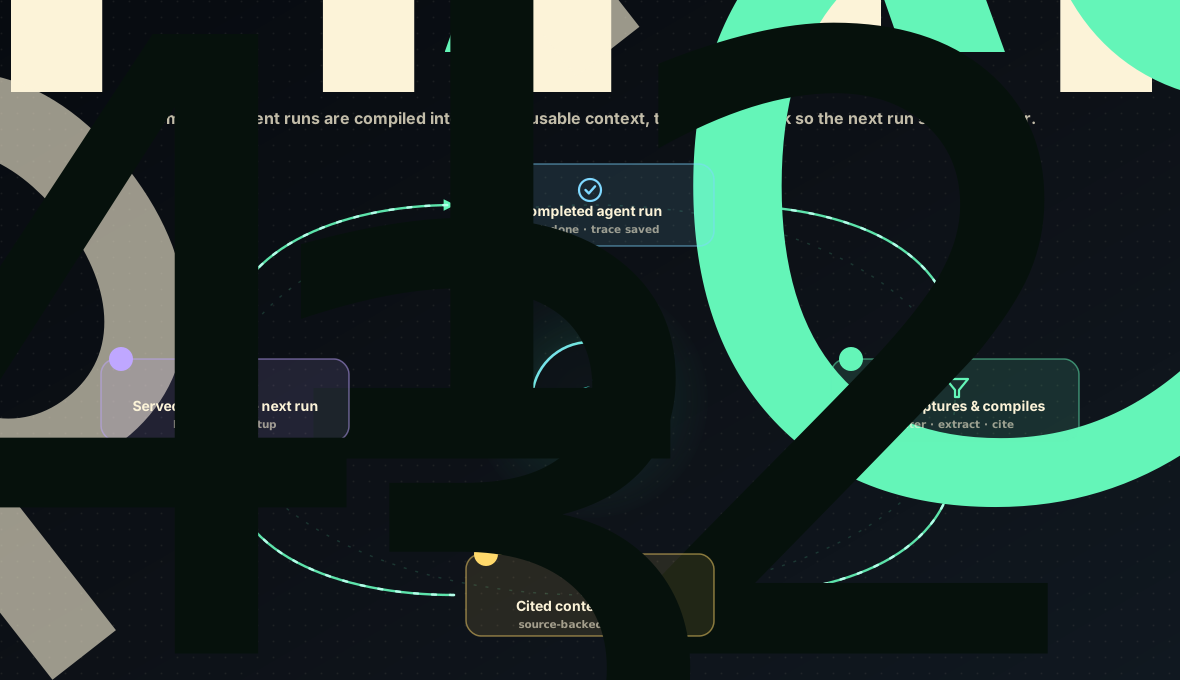
1. Does your agent have a native adapter?
If your agent runs as a coding agent in a local session store, use the native adapter path instead — it is automatic:
See Connecting Agents for the adapter list. If your agent is API-driven, server-side, or part of a business workflow (support, incidents, research, compliance, sales, internal tools), continue below.
2. Pick or write a signal profile
A signal profile tells Lerim's extraction what counts as durable signal for your workflow and what is noise. Lerim bundles six profiles:
| Profile | Use for |
|---|---|
coding |
Repository and coding-agent work (default). |
support |
Customer support and customer operations. |
ops |
Incident response, operations, and reliability. |
research |
Research, market intelligence, and analysis. |
compliance |
Compliance, legal, regulatory, and policy review. |
generic |
General-purpose fallback when no other profile fits. |
List them and inspect one:
If none fit — for example a sales, procurement, or internal business agent — write
your own YAML profile. It is four rule groups (focus_rules, reject_as_noise,
evidence_rules, scope_rules) and takes a few minutes. See
Customize Lerim For Your Use Case.
3. Get a clean completed-run trace
Lerim reads completed sessions, not live in-flight state. Export your agent's finished run as canonical JSONL, one event per line:
{"type":"user","message":{"role":"user","content":"..."},"timestamp":"2026-05-16T09:00:00Z"}
{"type":"assistant","message":{"role":"assistant","content":"..."},"timestamp":"2026-05-16T09:02:00Z"}
JSON arrays, wrapper objects (messages / events / trace), and plain text are
also accepted. See Submit A Custom Agent Trace for
the full shape reference.
Clean before import. Remove secrets, tokens, regulated personal data, and huge raw payloads before the trace enters Lerim. Lerim extraction is selective, but it is not a privacy firewall. For a quick first pass, use the defense-in-depth redaction helper.
4. Import it
One file:
lerim trace import ./my-agent-run.jsonl \
  --source-name support-agent \
  --source-profile support \
  --scope-type domain \
  --scope support-ops
Or register an ongoing folder of clean traces so background ingest picks up new files automatically:
lerim project add ~/lerim-traces/support-clean --type custom --source-profile support
lerim ingest --agent custom
See Custom Trace Folders.
5. See the extracted context
Routine sessions can produce zero durable records — that is the compiler rejecting
noise, not a failure. A useful run produces a few cited records across
decision, constraint, fact, preference, and episode.
6. Query it for the next run
lerim answer "What approval constraints should the next support agent know?"
lerim context-brief show
For MCP-capable agents, install Lerim as an MCP server so the agent can query context in-loop: MCP Quickstart.
7. The improvement loop
Approved traces, corrections, and extracted records are structured, cited, and scoped — which makes them reusable beyond the next query.
Lerim compiles cited context and eval-ready signal; it does not train models. Model specialization is a separate business (Nablo, https://nablo.io) and is independent of Lerim.
Worked examples
Each of these shows a realistic trace, the real records Lerim extracted, and what the next agent now knows: